
Philippines
Niki POS in the Philippines
A shop in the Philippines that sets up Niki POS starts with these payment methods, and with the country's tax and cash rounding. You can change any of them in the app.
Payment methods
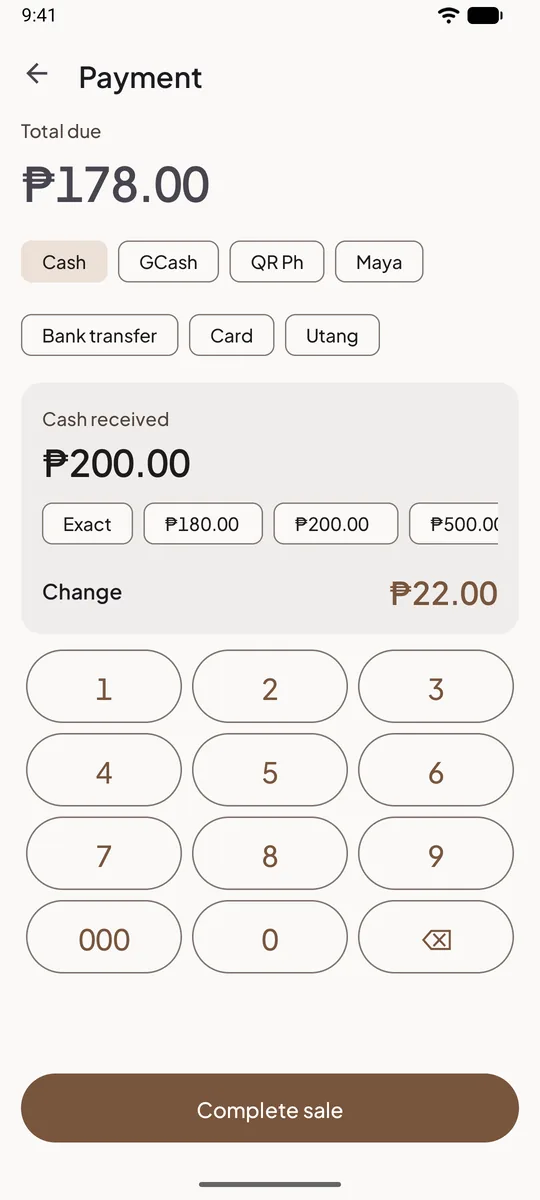
Ready at checkout from your first sale, and a bill can be split across several of them. Rename them, turn them off, reorder them or add your own in Settings.
- Cash
- GCashE-wallet
- QR PhQR code
- MayaE-wallet
- Bank transferTransfer
- Card
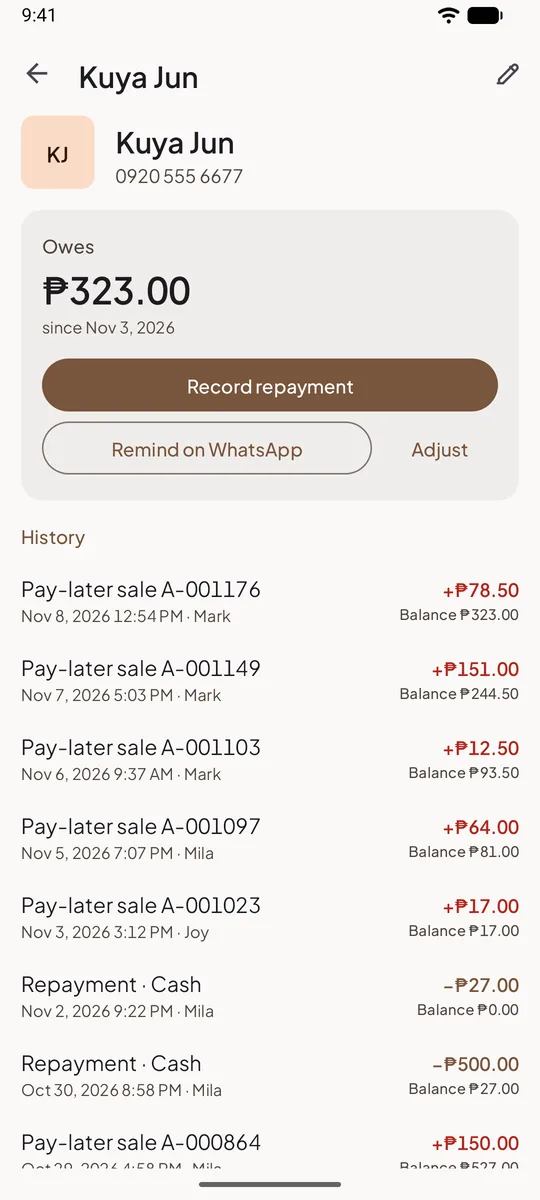
- UtangCustomer's tab (pay later)
Where you see them in the app
From a demo shop in the Philippines. The app is in English.
Tax and cash rounding
- Currency
- PHP
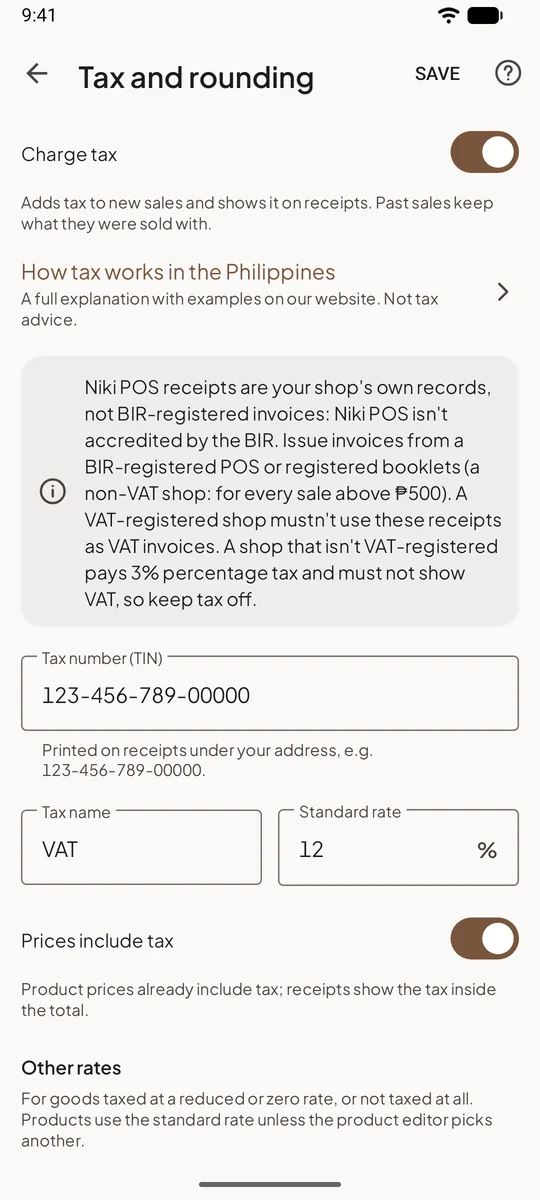
- Tax name
- VAT
- Standard rate
- 12%
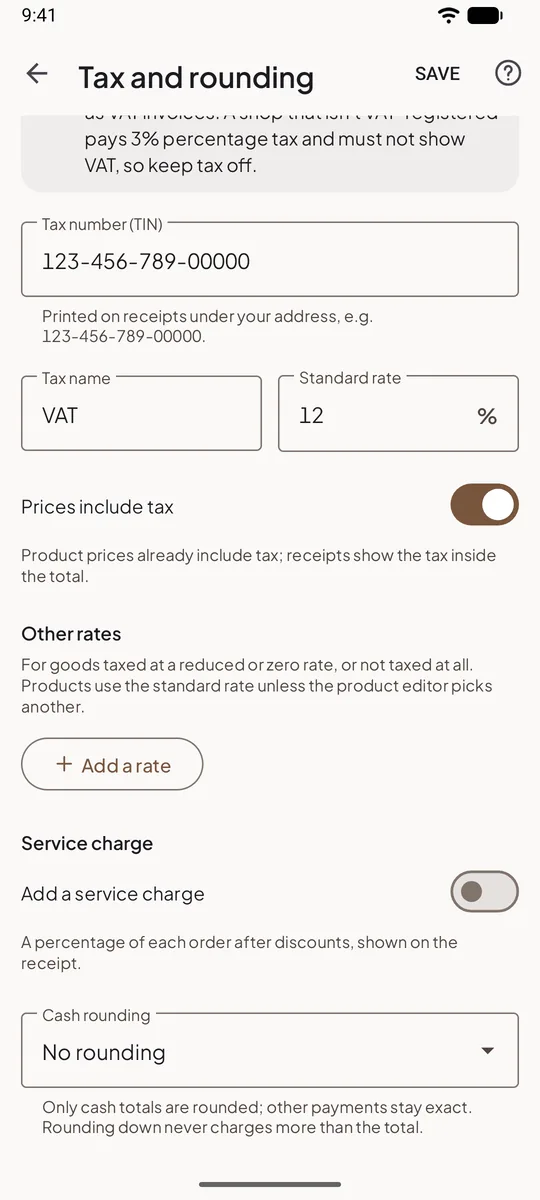
- Other rates
- None
- Prices
- Include tax
- Tax at the start
- Off until you turn it on
- Cash rounding
- No roundingNo rounding is offered
- Cafés
- Same as shops
Where tax and rounding show in the app

Niki POS in other countries
Start selling in a minute
Install Niki POS, type your shop's name and make your first sale. No account, no card, no internet needed.
Get it on Google Play
On a Sunmi or iMin terminal? Install Niki POS from its app store.